Core Web Vitals in 2026: What They Are and Why They’re Costing You Leads
Estimated reading time: 6 minutesutes

Category: Website Design + Development
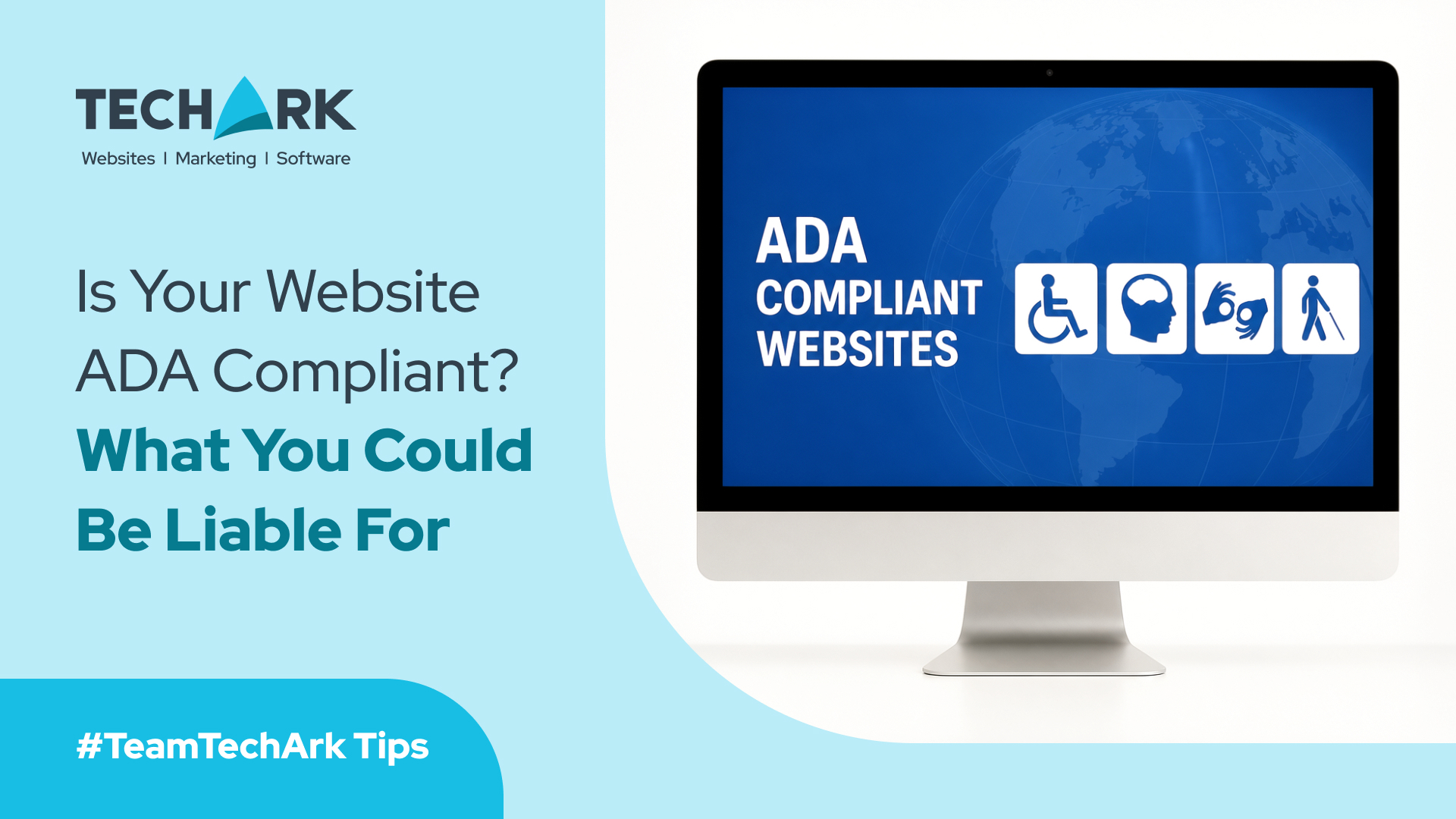
Ensuring ADA website compliance is not just good ethics — it’s a legal necessity. As businesses increasingly rely on digital platforms, many business owners are asking whether their websites meet website accessibility compliance standards. If your site isn’t accessible to all users, including people with disabilities, you may face lawsuits, lost revenue, reputational damage, and enforcement actions.
In this comprehensive guide, you will learn how to assess your accessibility, understand the rules that apply in 2026, and take actionable steps toward full compliance.
Table of Contents
In 2026, digital accessibility isn’t optional. Courts and regulators are holding businesses accountable when their sites are inaccessible. Accessibility is about fairness, inclusivity, and expanding the reach of your services or products. People with disabilities should be able to navigate, understand, and interact with your content just like anyone else.
Let’s examine what that means practically.
Website accessibility under the Americans with Disabilities Act (ADA) refers to making your website usable by people with a wide range of abilities. That includes those with visual, auditory, motor, and cognitive disabilities.
Even though the ADA does not specify exact technical standards for websites, courts generally apply the Website Content Accessibility Guidelines (WCAG) 2.1 developed by W3C. Most legal actions and settlements hinge on WCAG AA compliance as the benchmark.
Here’s a quick practical summary you can use to self-assess:
| Requirement | What It Means |
| Text alternatives for images | Screen reader users can understand visuals. |
| Keyboard navigation | Users can navigate without a mouse. |
| Captioning for audio/video | Users with hearing disabilities can access media. |
| Clear layout & structure | Users with cognitive disabilities can follow the content. |
| Semantic HTML | Assistive technologies can interpret pages correctly. |
| Contrast & readability | All users can see and read content easily. |
Pro Tip: Use automated tools like WAVE or Axe, plus manual testing with screen readers like NVDA or VoiceOver to get accurate results.
Doing a web accessibility audit helps you identify barriers and prioritize fixes. We’ll talk about that more in the next section.
The WCAG (Web Content Accessibility Guidelines) has three conformance levels:
For most businesses, aiming for WCAG AA compliance is the industry standard and often referenced in legal settlements.
Every website should follow the four core principles:
Each of these principles breaks down into testable success criteria.
Note: Some advanced features require manual testing; automation cannot catch everything.
Making your site accessible involves both technical updates and ongoing monitoring.
A thorough web accessibility audit identifies issues that affect real users with disabilities. A high-level audit should include:
Focus on high-impact problems like:
Start with the most critical pages, such as home, product pages, checkout, and user account sections.
Accessibility isn’t a one-time fix. Developers, content creators, marketers, and designers need ongoing training.
Topics to cover with your team:
Accessibility isn’t static. Every time you update your site, you introduce potential new barriers.
Best practice:
Your website should clearly state your accessibility commitment and offer a way for users to request support. This increases transparency and can help reduce risk.
Example elements to include:
Today, the most common legal risk for small business owners is an ADA website lawsuit. Lawsuits often cite inaccessible navigation, lack of alt text, or audio without captions.
A lawsuit can cost tens of thousands in legal fees even before any settlement.
There are no fixed fines under the ADA for websites, but settlements may include:
⚖ Paying plaintiff legal fees
⚖ Implementing accessibility fixes
⚖ Regular compliance reporting to attorneys
Even without statutory fines, the combined cost of redesign, legal defense, and lost trust can be high.
Smaller businesses may lack in-house accessibility expertise, making them more exposed to claims. But that also means there’s an opportunity: accessibility boosts trust and expands your customer base.
Do You Know? Many ADA website lawsuits are resolved before public records are released due to confidentiality, so the true volume is likely higher than reported.
ADA Title III prohibits discrimination by places of public accommodation. The U.S. Department of Justice has interpreted this to include websites and mobile apps.
Even though there is no specific ADA regulation saying “your website must be X,” Title III applies when your online presence is tied to your physical services or products.
Your digital front door must be accessible just like your physical one.
Here are tools used by professionals to assess and fix accessibility issues:
| Tool | Purpose |
| WAVE | Visual accessibility reports |
| Axe by Deque | Developer-focused testing |
| Siteimprove | Enterprise accessibility insights |
| NVDA | Screen reader testing |
| Color Contrast Analyzer | Detects problematic contrast levels |
Pro Tip: Pair automation with manual review. Tools alone will miss 30-40% of real accessibility issues.
Website accessibility is more than a compliance check — it’s a commitment to inclusion. Whether you are asking if my website is ADA compliant or planning your next digital update, understanding and implementing accessibility standards is non-negotiable. Visually impaired, motor‑challenged, or cognitive‑disabled users deserve full access, and meeting accessibility requirements protects your business from legal risk and expands your customer reach. Follow the WCAG guidelines, perform regular audits, and stay ahead with accessibility improvements that benefit everyone.
It means your website is accessible to users with disabilities and meets the expectations set by WCAG 2.1 AA standards and ADA Title III interpretations.
Yes. Any business offering services to the public should ensure accessibility, regardless of size or sector.
It varies by site complexity, but most businesses see significant improvements within 4–12 weeks.
You may face legal challenges, lawsuits, fines, and damage to your brand reputation.
You can start with audits and simple fixes, but professional accessibility services often lead to more reliable outcomes.
Ensure your digital presence is accessible, compliant, and welcoming to all. Contact TechArk to get expert guidance on ADA website compliance, accessibility audits, and ongoing support to make your website truly inclusive.