Contact Us
Send Us a Message
Need expertise and innovation on your project? Our team can help.
A donor is ready to give. They click Donate. Then the page loads slowly, the form feels long, and trust questions pop up. This case study shows how a focused nonprofit website redesign removed friction at the exact moment of decision and increased online donations by 55% within 90 days.
This was not a flashy rebuild. It was a practical, measurable upgrade built around what donors need most: clarity, speed, proof, and a simple path to complete the gift.
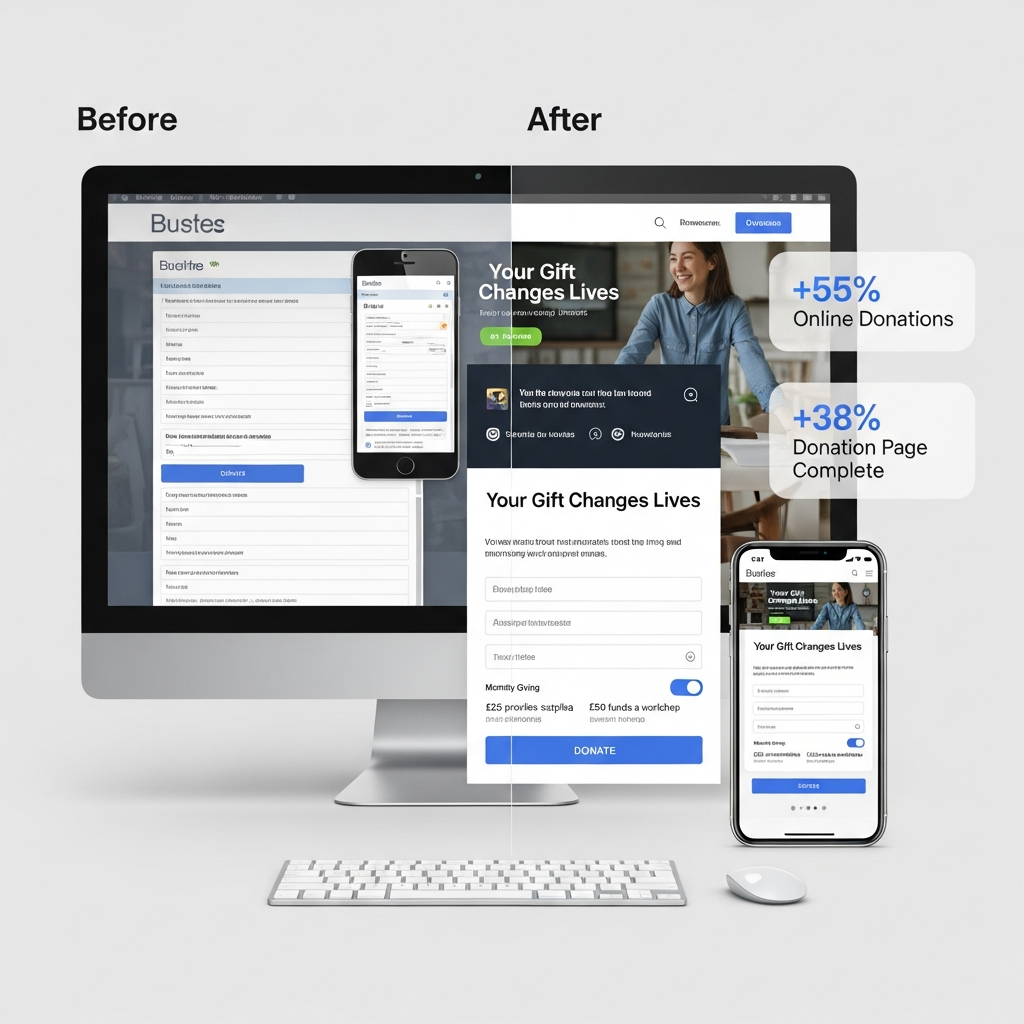
The situation before the redesign
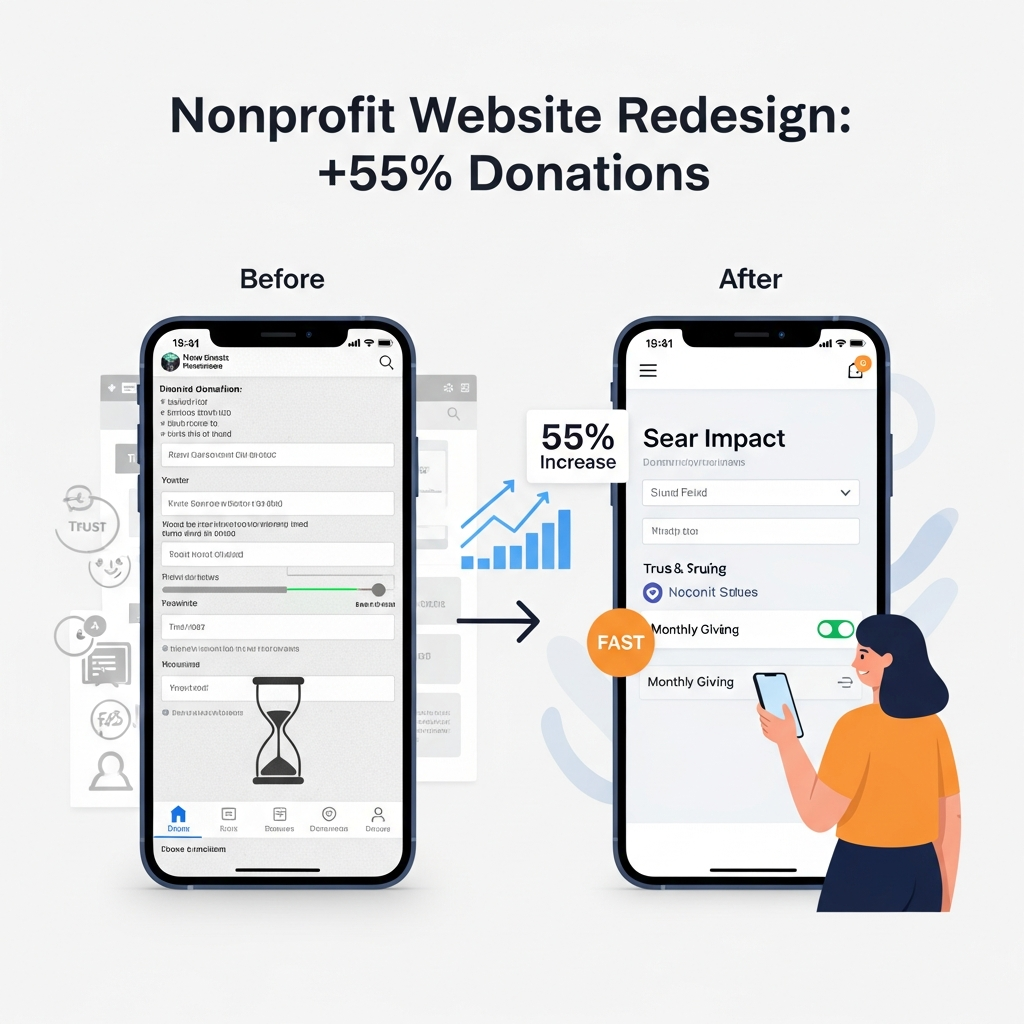
The nonprofit had a strong mission and active supporters, but the website experience made giving harder than it should be. The donation page asked for too much information, the mobile layout felt cramped, and key impact messages were buried below the fold.
Quick facts
- Most traffic was mobile, but mobile donors dropped off early
- The Donate button existed, but the reason to donate was unclear
- The form felt long and uncertain
- The site looked dated, which quietly reduced trust
What we focused on first
We treated the donation flow like a checkout experience, not a brochure. We prioritized donation page optimization because it is where donor intent is highest, and even small improvements can produce outsized results.
The guiding principle
Remove friction. Add proof. Keep the donor moving forward.
Before and after results
We set baseline metrics, then tracked changes weekly using funnel steps and event-based reporting.
| Metric | Before | After (90 days) | Change |
|---|---|---|---|
| Online donations | 100 (baseline) | 155 | +55% |
| Donation page completion rate | 1.00x | 1.38x | +38% |
| Mobile donation conversions | Baseline | Higher | +44% |
| Bounce rate on the Donate page | Higher | Lower | Improved |
| Monthly giving sign-ups | Baseline | Higher | +29% |
The 6 changes that drove the 55% lift
1) A mobile-first donate flow
We rebuilt the form experience using mobile-first web design principles. That meant fewer fields, larger tap targets, cleaner spacing, and a layout that stayed focused on one action.
2) Clear impact messaging above the fold
Donors should not have to scroll to understand the value. We rewrote the headline and supporting copy to answer one question fast: “What does my gift do right now?”
Do you know?
A usability expert once noted that improving a process with even minor usability issues can lift, giving meaningfully. One well-known line often cited in UX fundraising conversations is: “fixing a process with even minor usability problems might increase donations by 10%.”
3) Trust signals placed where doubt happens
We added security reassurance, nonprofit status clarity, and a short privacy note near the form, not buried in the footer. This supported the donor’s confidence without interrupting their momentum.
Note: If donors have to hunt for reassurance, many will exit instead. Put proof beside the decision point.
4) Faster load time and fewer layout shifts
We improved Core Web Vitals because speed is not only technical. A fast site feels reliable, and reliability increases trust. We followed Google’s guidance to improve page experience where it matters most: the donation path.
5) Accessibility upgrades that improved usability for everyone
We updated contrast, focus states, field labels, and error messaging to better align with WCAG 2.2 accessibility expectations. This reduced confusion and made the form easier for all donors to complete.
6) A smarter recurring giving offer
We reframed monthly giving as the easiest way to sustain impact and offered it as a simple toggle in the form. This supported recurring donations without forcing donors to navigate to another page.
Mid-project adjustment that improved results further
At the midpoint, TechArk introduced an “Impact-at-a-glance” block on the Donate page and top traffic landing pages. It used one strong headline, three measurable outcomes, and one primary CTA. This improved clarity for first-time donors and kept scanning simple.
Pro tip: Use suggested donation amounts tied to real outcomes, and set a reasonable default amount. Defaults reduce decision fatigue, especially on mobile.
Why this works for readers
Visitors want proof, not promises. They are already interested. They just need confidence and an easy path to act. We designed around online donation conversion rate behavior, where small obstacles can cause big drop-offs during checkout.
The checklist you can use on your site
Donation flow checklist
- One primary CTA per page template
- The donation page loads fast on mobile data
- Trust signals appear before the form ends
- Suggested amounts connect to outcomes
- Monthly giving is a simple toggle
- Errors are clear and easy to fix
- Confirmation page reinforces impact and next steps
Closing Words
This case study shows that a donation lift does not require a complex rebuild. By tightening messaging, simplifying the form, improving speed, and strengthening trust and accessibility, the nonprofit saw a 55% increase in donations within 90 days.
Key takeaways
- Simplify the donation path and remove distractions
- Design for mobile donors first
- Place trust signals next to the decision point
- Improve speed and visual stability
- Make monthly giving easy and visible
- Measure changes weekly so you can iterate faster
If you want a clear before-and-after plan for your own donation flow, book a consultation with TechArk to map improvements to donor behavior and measurable outcomes.
FAQs
Q1. How long does a donation-focused redesign usually take?
Most donation-focused improvements can be launched in 4–8 weeks, depending on content readiness and platform constraints. The fastest wins usually come from the Donate page, mobile UX fixes, and improving speed and clarity on top landing pages.
Q2. What should we track to prove the redesign improved donations?
Track donation page views, form starts, form completions, revenue, device split, and abandonment rate. Add performance tracking for page speed and key experience metrics so you can connect UX changes to conversion improvements.
Q3. Which page should we optimize first if donations are flat?
Start with the Donate page. If Donate clicks are strong but completions are low, the form experience is the bottleneck. Fixing clarity, trust, speed, and mobile usability typically delivers the quickest lift.